Built for the Gym Floor. Powered by Real Strength Science.
Whether training for progressive overload, athletic conditioning, or a complete body transformation, WorkoutCard builds bespoke programmes tailored to your experience, equipment, and schedule. Track every set, live interval, and rest timer from your phone or Apple Watch with complete offline privacy.
- 613-Exercise Biomechanical Library with anatomical muscle illustrations, setup cues and instant machine swaps
- Apple Watch & iPad Universal Support: Log sets, track rest countdowns, and view live heart rate from your wrist
- Periodised Schedule & Custom Start Dates: Map multi-week routines and 12-week transformations to real calendar dates
- Auto-Regulated Progressive Overload: Dynamic weight recommendations (+2.5 kg, +5.0 kg, or +1.25 kg) based on previous sets and RPE
- Advanced Intensity Blueprints: Drop sets, 15s rest-pause sets, DTP pyramids, feeder warm-ups and 3-1-1-1 tempos
- Start/Finish Exercise Timers with automated between-set interval tracking on the gym floor
- 100% Offline & Private: Stored locally on your device with zero account requirements and no subscriptions
Universal for iPhone, iPad, Apple Watch & Android.
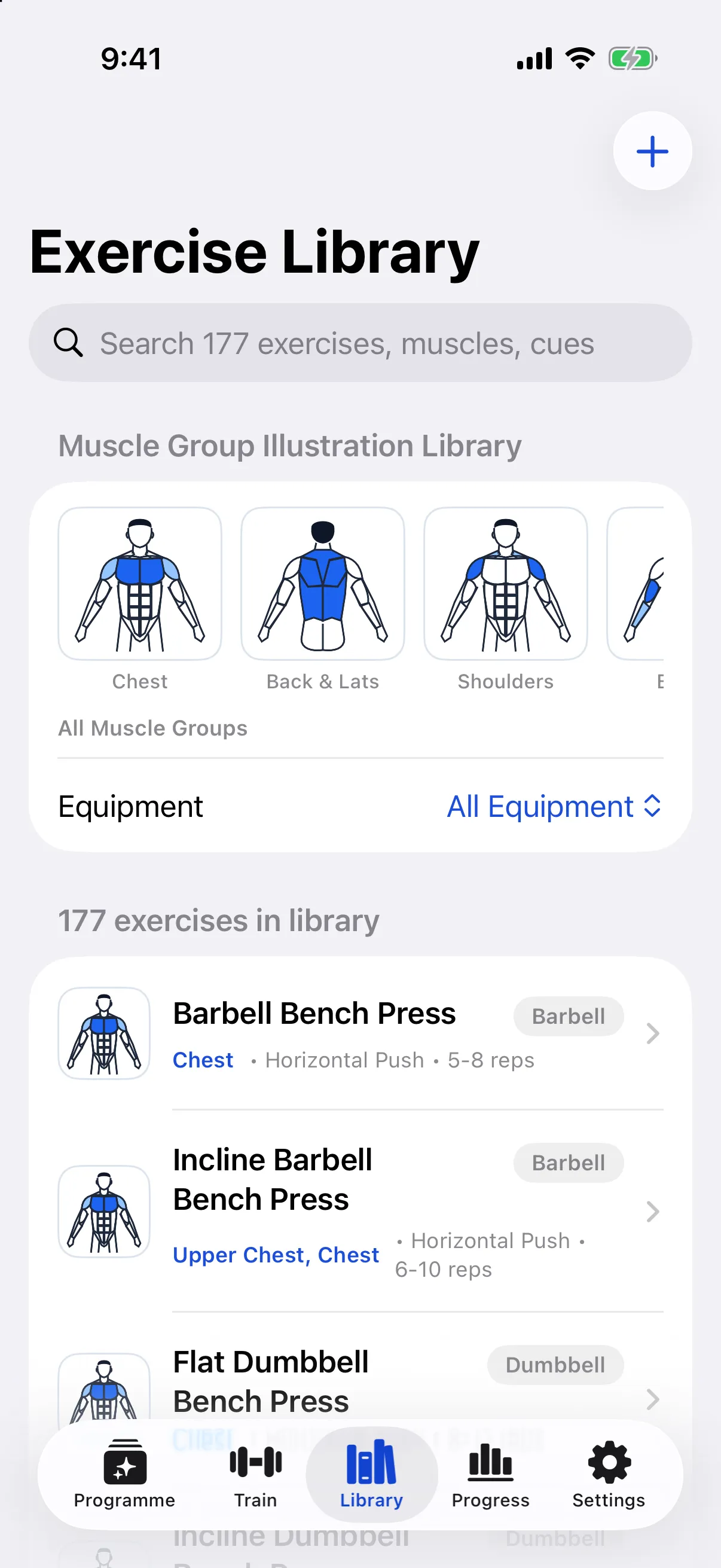
Muscle group illustration library
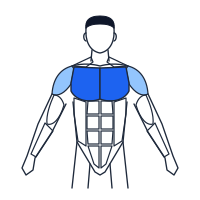
Every exercise in WorkoutCard is mapped to primary and secondary anatomical regions. Select a muscle group to inspect the movements, prescriptions and coaching cues in the library.
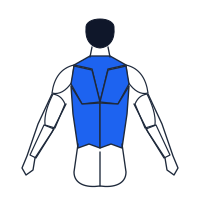
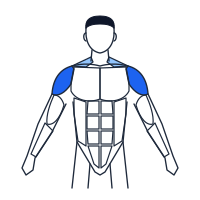
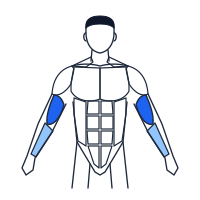
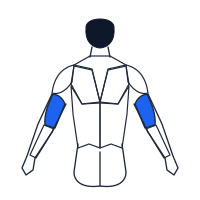
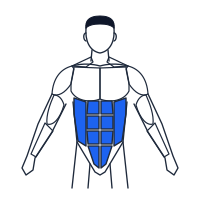
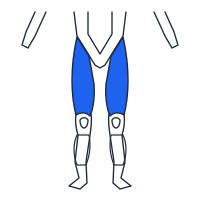
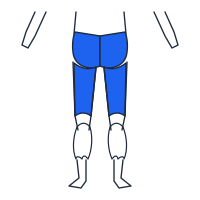
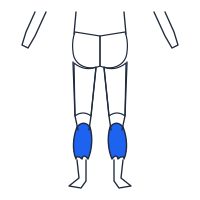
Every movement, demonstrated
555 of the 613 exercises in WorkoutCard play a looping demonstration right above your sets, so the form cue is on screen while you train. Here are two of them.
Curated Programme Presets & Intensity Blueprints
Choose from battle-tested periodised blueprints with intelligent set breakdowns, feeder warm-ups, drop sets, rest-pause sets and DTP pyramids, or use the 7-step questionnaire to generate a customised programme.
84-Day Hardcore Daily Transformation
The definitive periodised physique blueprint. 84 continuous daily workouts cycling through 4 distinct high-intensity micro-phases designed for maximum hypertrophy, fat oxidation and work capacity.
- Phase 1 (Weeks 1 to 3): Neuromuscular Mass Priming & Foundation Loading: 8 to 12 reps, heavy compound loading, Week 3 giant set shock cycles.
- Phase 2 (Weeks 4 to 6): Pre-Exhaustion & Brutal Agonist/Antagonist Supersets: Leg extension pre-exhaust into leg presses; paired pulldown and row supersets.
- Phase 3 (Weeks 7 to 9): Heavy Rest-Pause Shock Cycles: Heavy 6 to 8 rep top sets taken to mechanical failure, followed by two 15-second rest-pause micro-sets and double drop sets.
- Phase 4 (Weeks 10 to 12): DTP (Dramatic Transformation Principle) Extreme Pyramids: 12-set 30-25-20-15-10-5-5-10-15-20-25-30 rep pyramids and 50-rep sarcoplasmic burnouts.
4-Week DTP Extreme Volume Shock
Four intense weeks of pure Dramatic Transformation Principle pyramids targeting type I and type II muscle fibres in every workout.
6-Week FST-7 Fascial Stretch Mass
Fascia Stretch Training: heavy foundation compound lifting concluded by 7 timed sets on isolation machines with strict 35-second rest and isometric holds.
8-Week Undulating Hypertrophy Blueprint
Balanced 4-day Upper/Lower split cycling between mechanical tension days (6 to 8 reps) and sarcoplasmic density days with drop set finishers.
6-Week PPL Heavy Mass Engine
High-frequency 6-day Push/Pull/Legs rotation hitting every muscle group twice per week with agonist supersets and triple drop set finishers.
How it works
Five screens in the app, from writing your training brief to logging sets and tracking progressive overload.
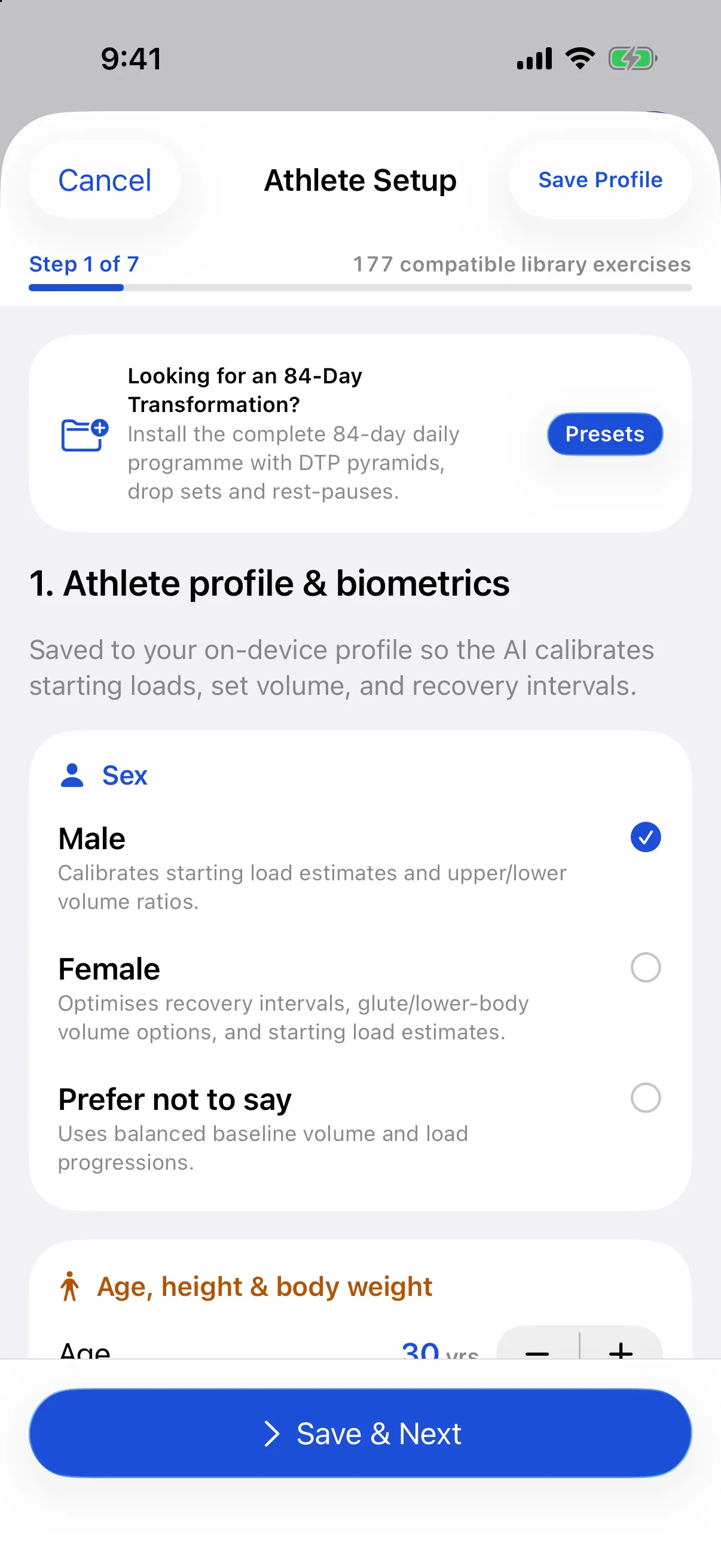
Complete your athlete profile & setup questionnaire
Enter your sex (male, female or prefer not to say), age, height and body weight, then choose your primary and secondary training goals, experience level, days per week (2 to 6), session minutes, available equipment, sleep and recovery capacity, and preferred rep style.
Select priority muscle groups from the anatomical illustration cards and flag any sensitive joints (lower back, shoulders, knees, wrists or elbows). Your answers are saved to your on-device athlete profile so you can adjust or regenerate your programme at any time.
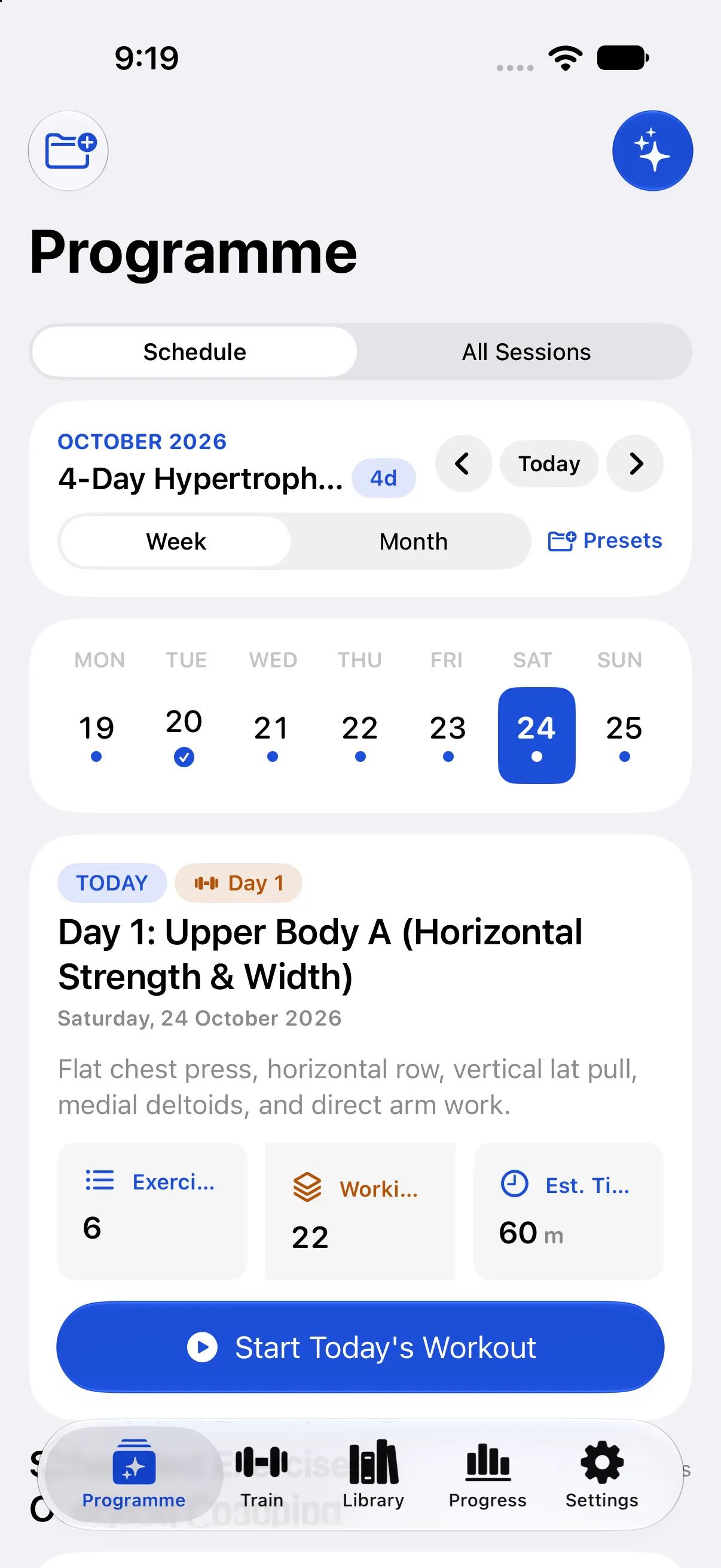
Periodised multi-week plans & interactive calendar schedule
Instead of cluttered, static workout lists, WorkoutCard maps your multi-week routines and 84-day transformations directly onto a live Calendar & Schedule view with Week Strip and Month Grid modes.
Tap any date on the calendar to see the scheduled workout, target focus, exercise breakdown, and one-tap Start Today's Workout. An intelligent double-progression progressive overload engine evaluates previous logged sessions and perceived exertion (RPE) to recommend exact weight increases (e.g. +2.5 kg upper compounds, +5.0 kg lower compounds, +1.25 kg isolation) right on the calendar day card and live set logger.
Start exercise timer, finish exercise timer and interval counter
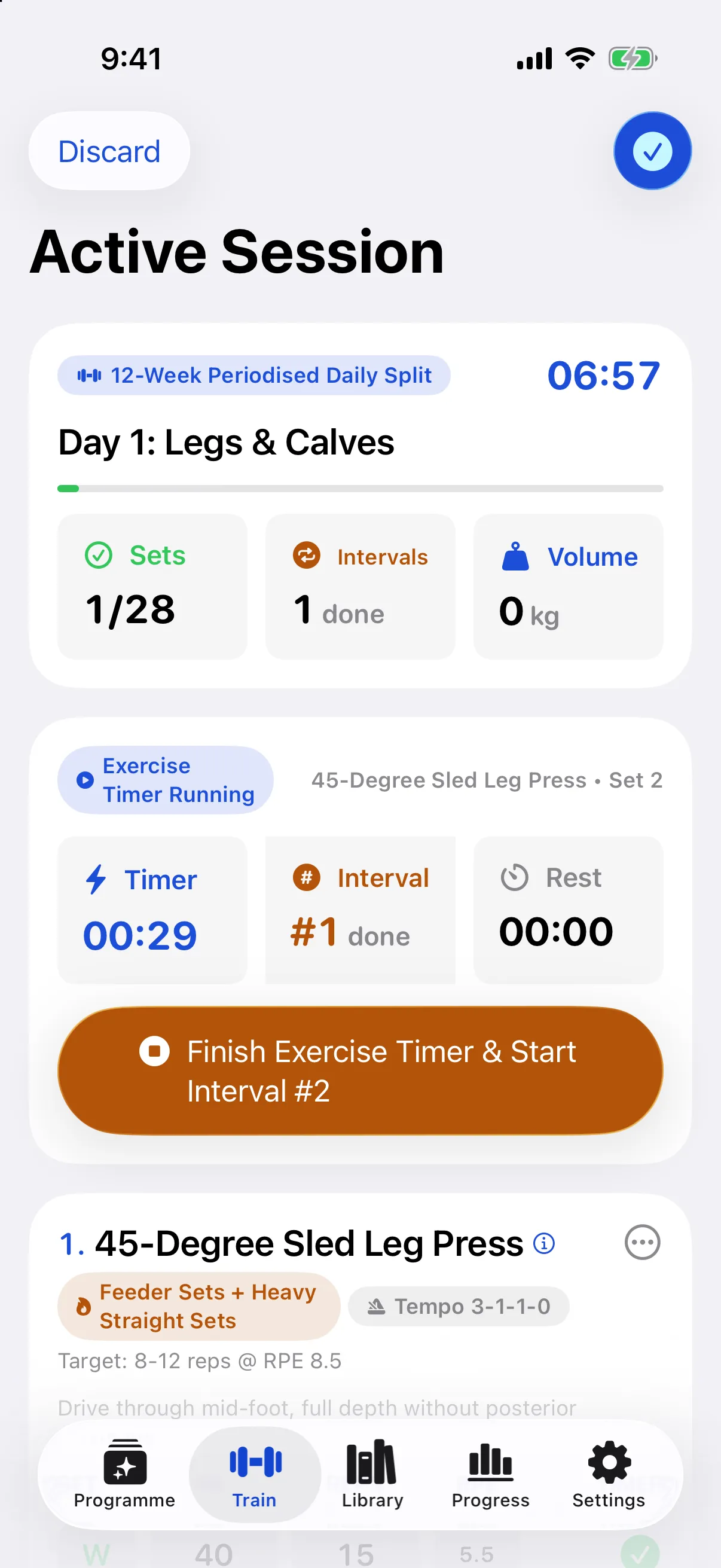
During a workout, the timer deck sits above your exercise cards. Tap Start Exercise Timer when you begin a set to measure exact work time under tension.
Tap Finish Exercise Timer & Start Interval when you rack the weight. WorkoutCard logs the set duration, increments your completed interval counter, and starts the rest countdown for your next set. Log drop sets (-25% load) and 15-second rest-pauses with single-tap controls directly on each exercise card.
Browse and swap across 613 biomechanical entries
Filter the library by anatomical muscle group or equipment. Every entry includes step-by-step coaching cues, joint safety considerations and a relations graph linking regressions, progressions, equipment swaps and same-muscle alternatives.
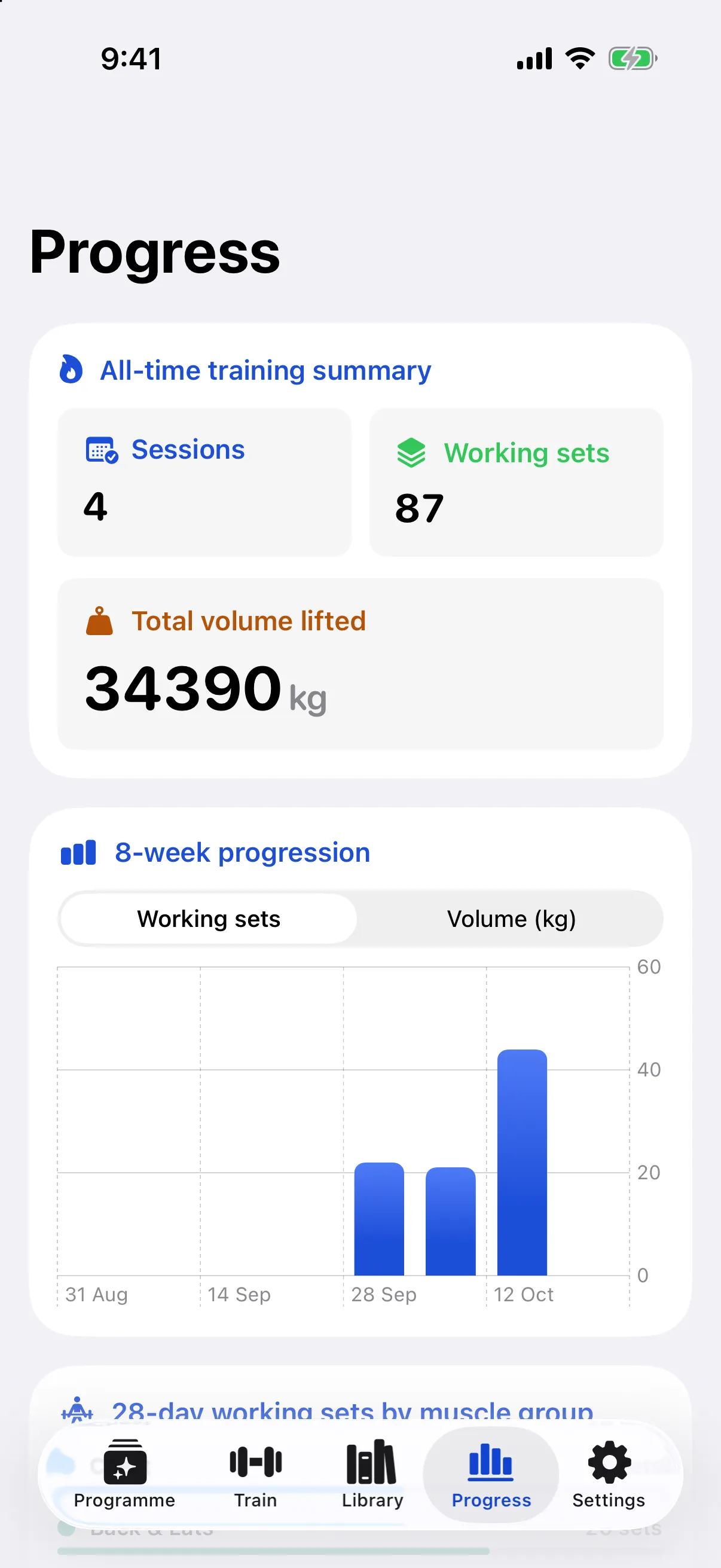
Track weekly sets, volume and estimated 1RM
Every completed session updates your 8-week working set and tonnage charts, 28-day muscle group set distribution and Epley estimated one-rep max (1RM) personal records.
How WorkoutCard compares
Why we tied an AI programme builder to a fixed biomechanical library and a dedicated set-and-interval timer.
| Feature | WorkoutCard | Generic AI chat plans | Traditional workout loggers |
|---|---|---|---|
| Programme generation | Built from a 7-step saved athlete profile (sex, age, goals, recovery, equipment) and constrained to 613 verified exercises | Unstructured text with inconsistent exercise names | Manual template entry or static pre-made routines |
| High-intensity techniques & periodisation | Full 84-day periodised daily blueprints with feeder warm-ups, drop sets (-25%), 15s rest-pause sets and DTP pyramids | Basic 3x10 prescriptions with no between-set timer integration or periodised micro-phases | Generic sets and reps; intensity techniques must be manually remembered and calculated |
| Set work timer & interval counter | Dedicated Start Exercise Timer, Finish Exercise Timer and automatic interval counter | None | Rest countdown only; no active set duration or interval counter |
| Muscle group illustrations | Anatomical anterior and posterior SVG diagrams for every exercise | None | Often locked behind monthly subscriptions |
| Joint sensitivity filtering | Automatically filters out movements flagged for your sensitive joints | Requires manual prompting each time | Manual exercise replacement |
| Data & privacy | Stored on your device with no account and no ad tracking | Chat history stored on cloud servers | Usually requires an account and cloud sync |
Also in the app
- Biomechanical relations graph. Swap any movement for an equipment alternative, easier regression or harder progression with one tap.
- Previous-session benchmarks. Every exercise card shows your last best weight and reps from earlier workouts so you know what to beat.
- RPE & set type logging. Record warmup, working, drop and failure sets alongside Rate of Perceived Exertion.
- Custom exercise builder. Add your own gym machines or specialist movements with full muscle and equipment tagging.
- Double progression guidance. Clear rules on when to hold load and add reps versus when to add weight on the bar.
- Offline by default. Works in basement gyms with zero reception; iOS and Android apps store everything locally.
Questions and answers
Can WorkoutCard generate high-intensity programmes with drop sets, rest-pause sets and DTP pyramids?
Yes. WorkoutCard supports advanced intensity systems including Drop Sets (-25% load reductions to absolute failure), 15-second Rest-Pause failure sets, DTP 12-set pyramids (30-25-20-15-10-5-5-10-15-20-25-30 reps), FST-7 fascia stretch finishers with timed 35s rests, and paired agonist/antagonist supersets. Each movement includes feeder warm-up progressions and 3-1-1-1 eccentric tempos.
What is the 84-Day Hardcore Daily Transformation preset?
The 84-Day Hardcore Daily Transformation is an authentic, 12-week periodised daily programme available directly in the app. It includes 84 individual daily workouts organised across 4 micro-phases: Neuromuscular Mass Priming (Weeks 1 to 3), Pre-Exhaustion Supersets (Weeks 4 to 6), Heavy Rest-Pause Shock Cycles (Weeks 7 to 9), and DTP Extreme Pyramids with 50-rep burnouts (Weeks 10 to 12). You can load the entire 84-day schedule with one tap.
How does the AI programme generator choose exercises?
Every exercise in a WorkoutCard programme is selected strictly from the 613 verified movements in the shipped library. When you answer the training brief, the planner filters out equipment you do not have and movements that aggravate your listed joint sensitivities, then allocates weekly working sets across push, pull, squat, hinge, carry and isolation patterns.
How do the Start Exercise Timer, Finish Exercise Timer and Interval Counter work?
When you unrack or begin a working set, tap Start Exercise Timer. The app records your live time under tension in seconds. When you finish the set, tap Finish Exercise Timer & Start Interval: the app marks the set complete, logs the work duration, increments your session interval counter (#1, #2, #3), and starts your prescribed rest countdown automatically.
How does the training calendar and progressive overload weight recommendation work?
The interactive training calendar maps your multi-week split or 84-day transformation to real calendar dates with Week Strip and Month Grid views. For every scheduled session, WorkoutCard analyses your previous logged sets and perceived exertion (RPE). When you complete the top of your target rep range with reserve (RPE <= 8.5), the engine automatically recommends upping the load by +2.5 kg on upper compound lifts, +5.0 kg on lower compound lifts, or +1.25 kg on isolations. If fatigue was high (RPE >= 9.5), it recommends holding the weight and consolidating tempo control.
Does WorkoutCard need an account or an internet connection?
No. Your programmes, workout logs, custom exercises and personal records are stored locally on your phone using SwiftData on iPhone and Room SQLite on Android. The built-in biomechanical programme engine runs completely offline on your device. If you prefer cloud LLM reasoning, you can optionally add your own OpenAI or Google Gemini API key in Settings.
What happens if a machine or bench is taken at the gym?
Tap Swap on any exercise in your programme or during a live session. WorkoutCard uses each movement's biomechanical relations graph to suggest direct equivalents that share the same movement pattern and target muscles and fit your equipment profile.
Can I add my own custom exercises?
Yes. Alongside the 613 built-in exercises, you can create custom movements with your own primary muscles, movement pattern, equipment type, rep range, rest timer and coaching cues. Custom exercises work with the AI planner and the workout logger.
Does it support both kilograms and pounds?
Yes. You can switch between kilograms (kg) and pounds (lb) at any time in Settings.